Guide
Find a transaction
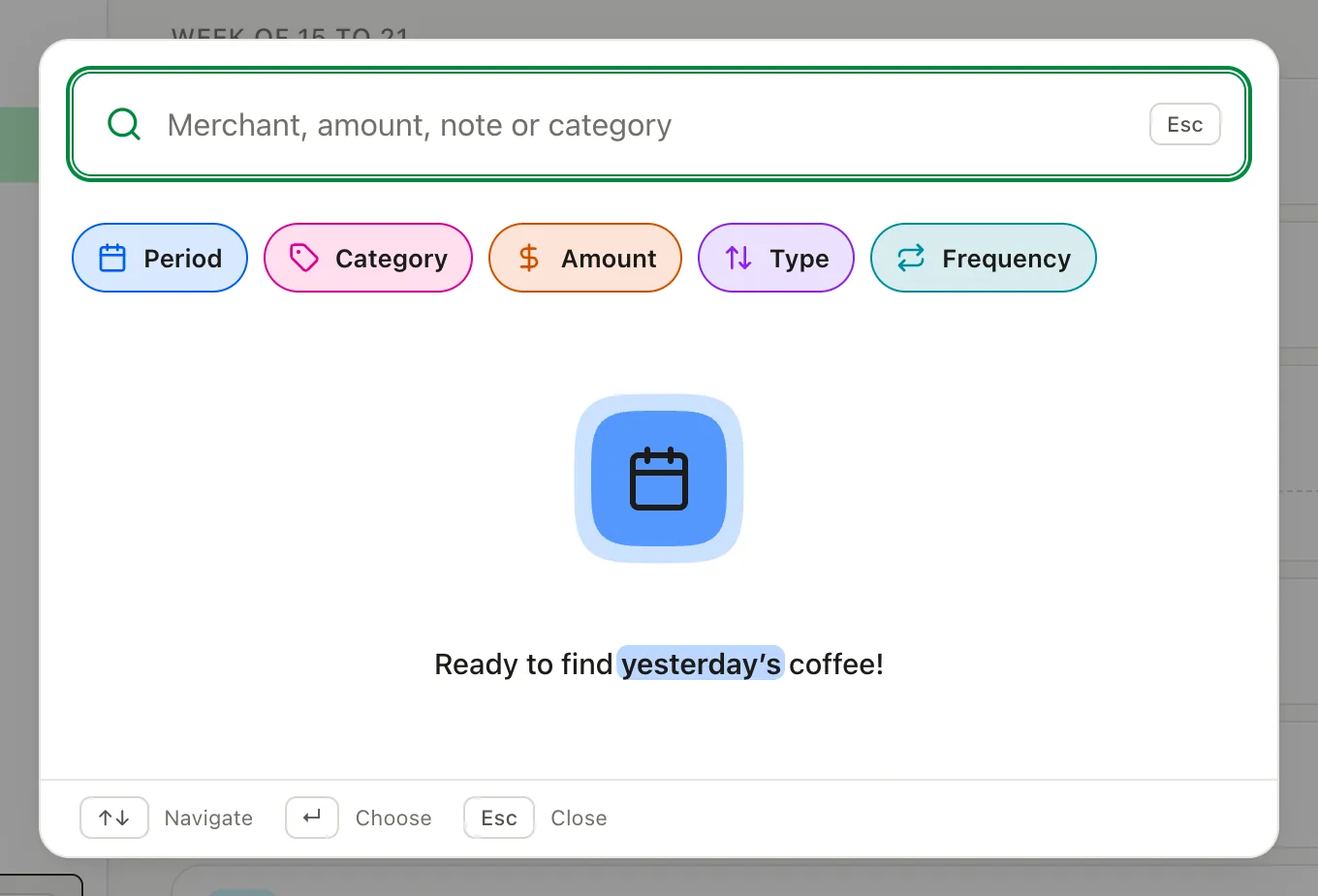
Search covers all your months and understands what you type: a merchant, “yesterday”, “over $50”, a category. Five filters refine it, and a result takes you back to its row in the list.
- On the web
- 4 steps
- 2 min
Step 1. Open search
The “Search” field in the side menu, the magnifying glass on a small screen, or ⌘ K on a Mac and Ctrl K elsewhere. The shortcut closes it too.
Step 2. Type what you’re looking for
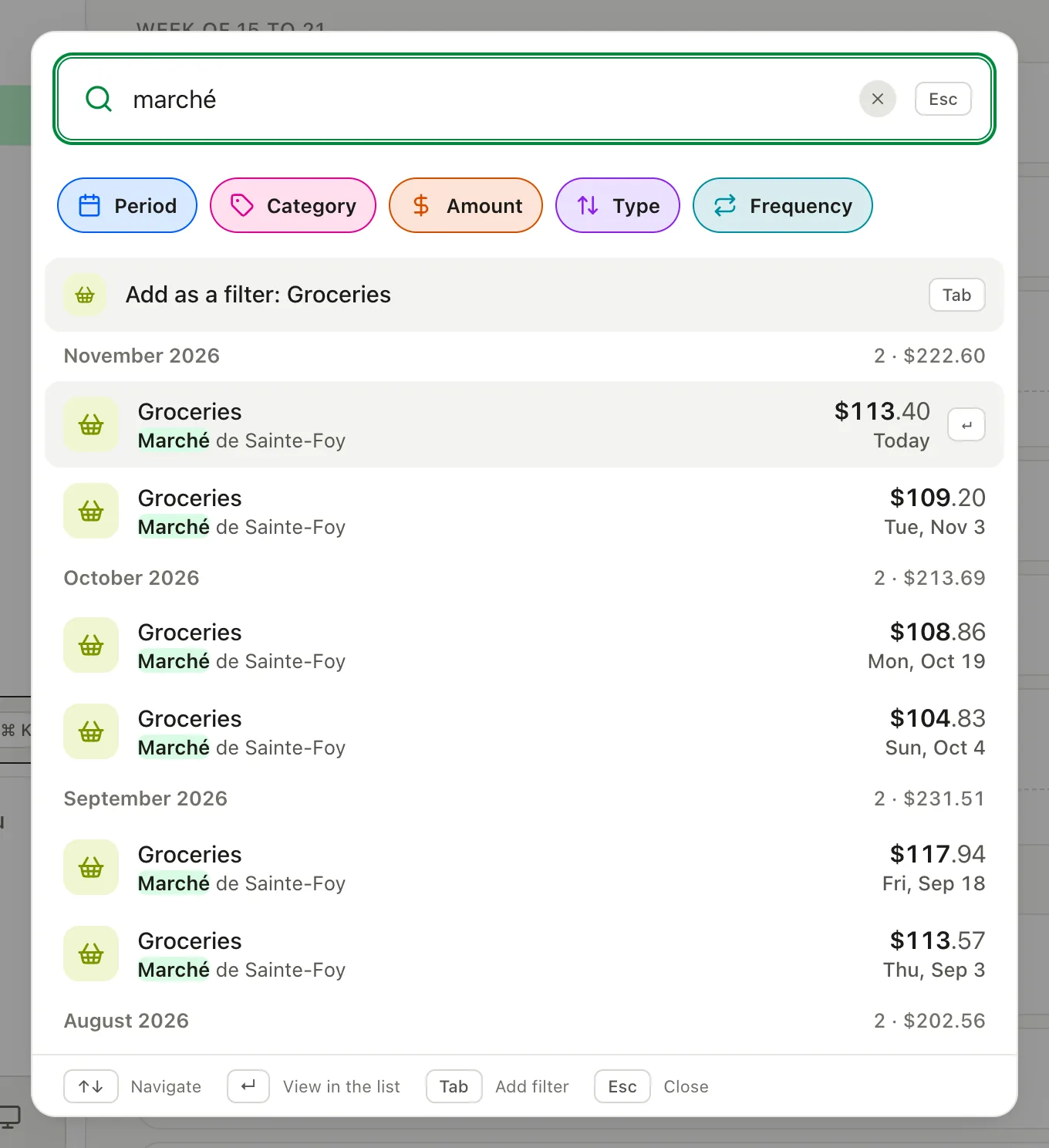
A merchant, an amount with the dollar sign (“$42.50”), a category (“groceries”), a date in words (“yesterday”, “September”), a comparison (“over $50”). Words we recognize turn into filters. Some wait for what comes next: “September” may get a year, “over 50” a “$”. They become a filter with the next word, or when you submit the search from the keyboard. Everything else is searched in your notes and categories.
- Accents, capital letters and plurals don’t matter, and the start of a word is enough.
Step 3. Refine with filters
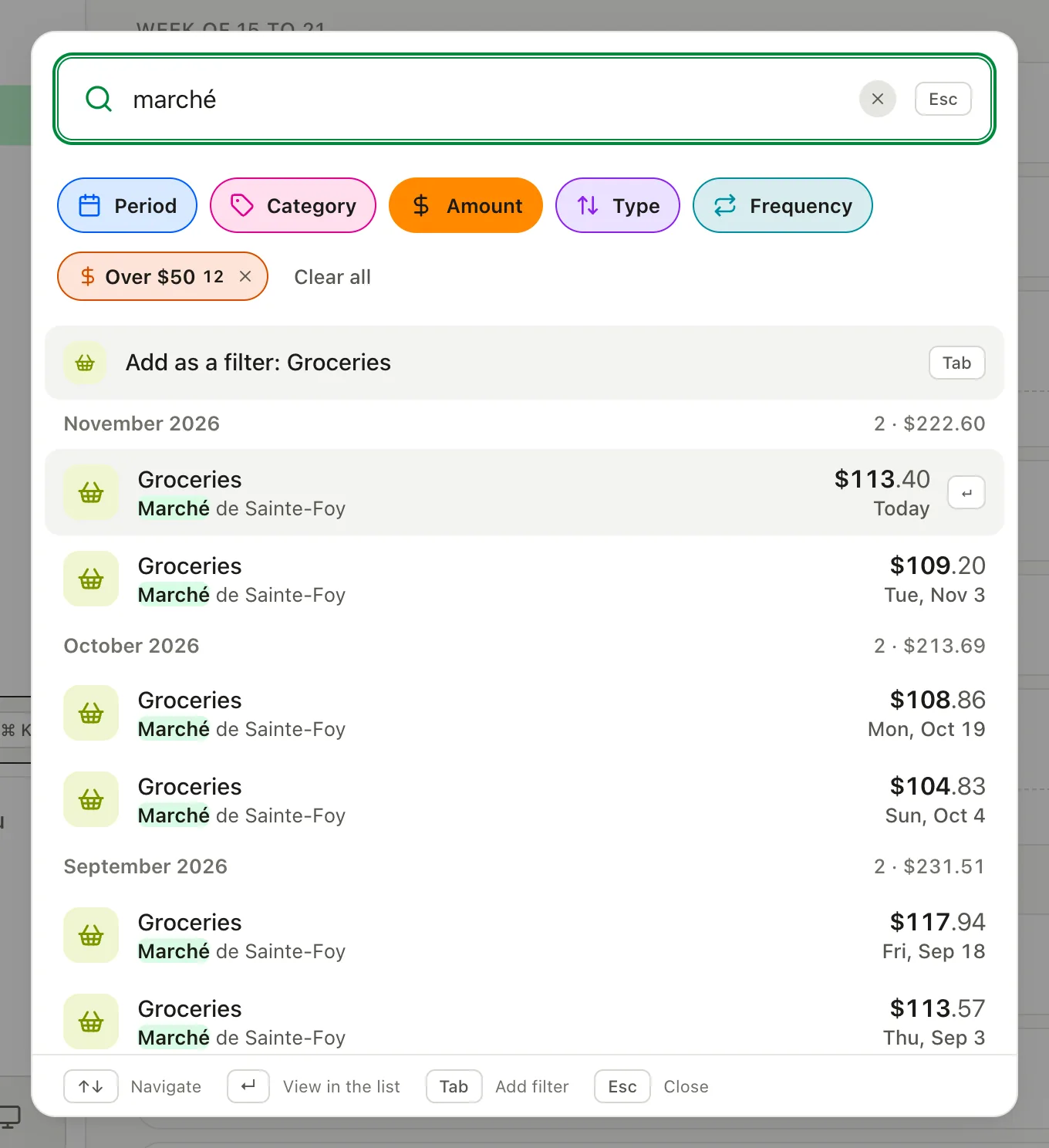
Five buttons, always in the same place: Period, Category, Amount, Type, Frequency. Each active filter becomes a chip under the field, with the number of results it leaves. Click a chip to remove it, or “Clear all” to start over.
Step 4. Open a result
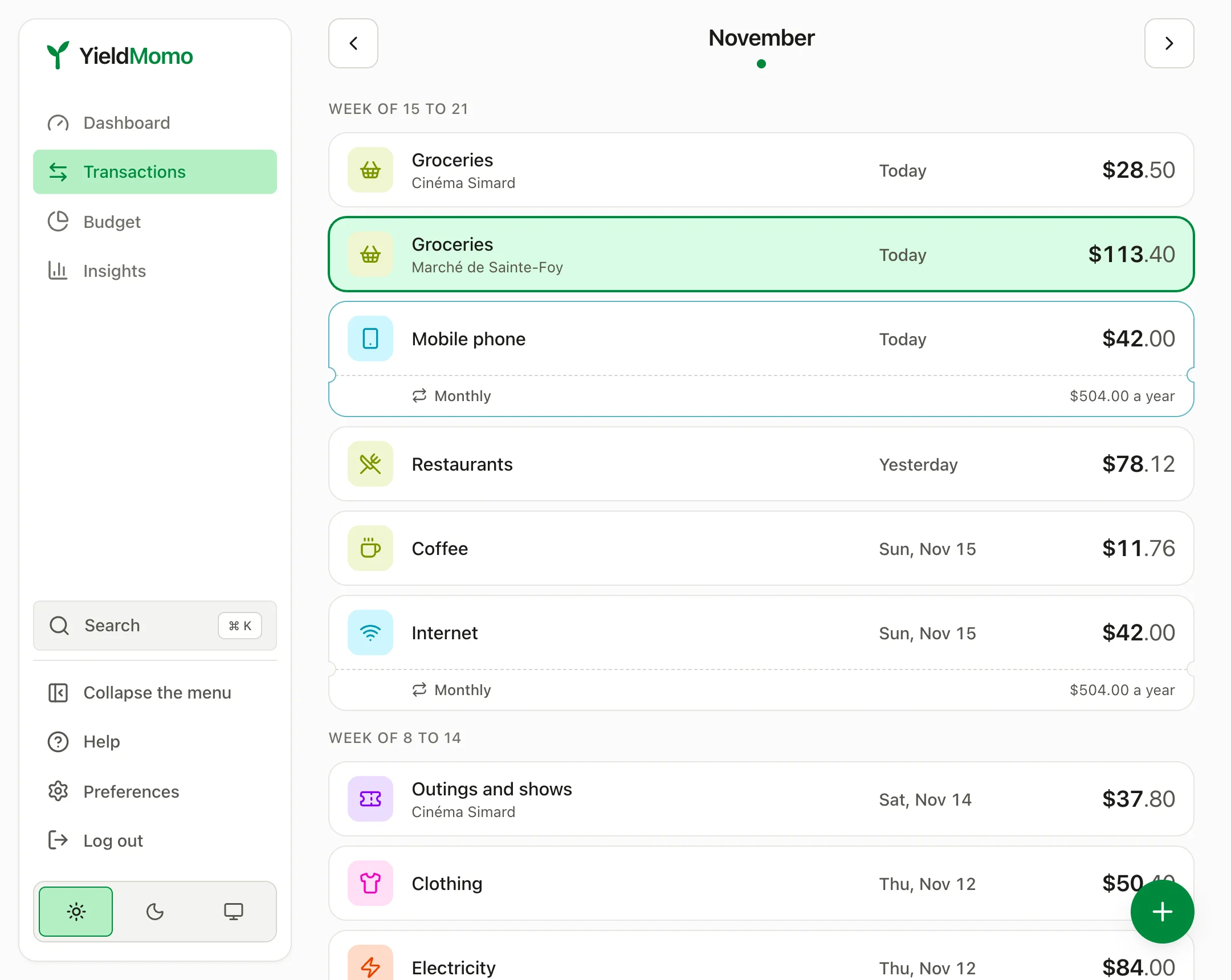
Results are grouped by month, from newest to oldest, and the words found are highlighted. Click a row, or pick it with ↑ and ↓ then Enter: the transaction list opens on the right month, with the row outlined for a moment. If a filter is still waiting in the field, the first Enter sets it: press again to open.
What search understands
- Dates: “yesterday”, “this week”, “last month”, “September”, “September 2025”, “last 7 days”, “from June 1 to June 15”, “since September”.
- Amounts: “$42.50”, “over 50”, “under 20”, “about $50”, “from $40 to $80”. A number on its own, up to 999, searches both the amount and the text: “42” finds $42.50. For $1,000 and up, add the $ or the cents: “$1,240” or “1240.00”.
- Categories, by name or by what you buy there: “milk” finds groceries when none of your notes contains that word.
- Your typos: “grocries” searches for “groceries”, and a line tells you so, with a link to search for the word exactly as you typed it.
Good to know
Search works offline: everything is calculated on your device, from the transactions it has already loaded.
When a filter empties the list, search names it and offers to remove it in one step. Otherwise, “Clear all” lets you start over.
A monthly transaction gives one result per month, up to six months ahead, so upcoming months show first. Excluded occurrences are listed but don’t count in the totals.
Results load 50 at a time. After 500 rows, the list stops and suggests refining, for example by period.