Account and subscription
How you log in, how you protect your account, and everything about YieldMomo MAX: subscribing, canceling, resuming and finding your invoices.
- On the web
- 10 things to do
- Free and MAX
The screen
Security
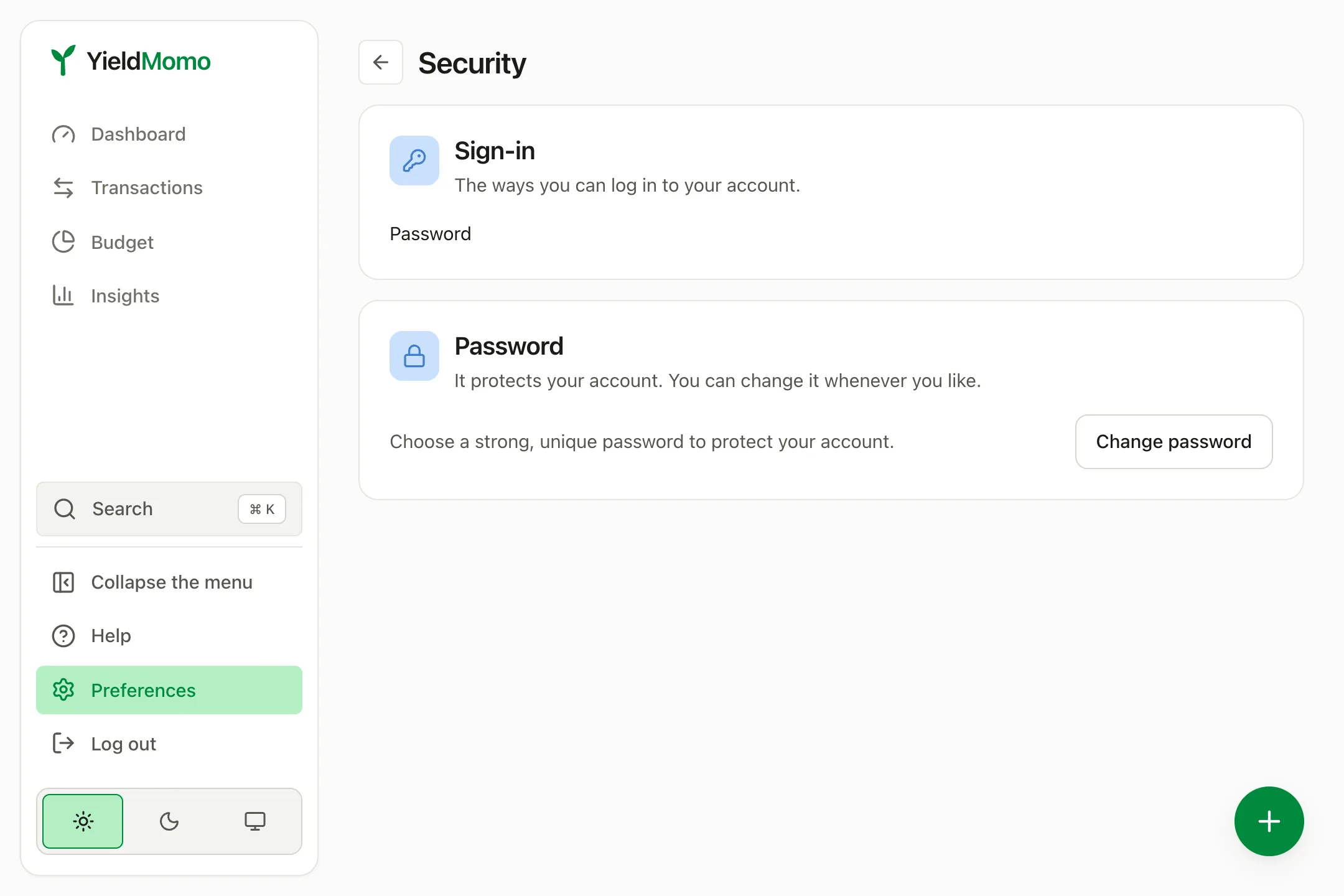
Sign-in. Your sign-in methods: “Password”, “Apple”, or both.
The password. “Change password” opens a window with three fields.
Subscription and payment
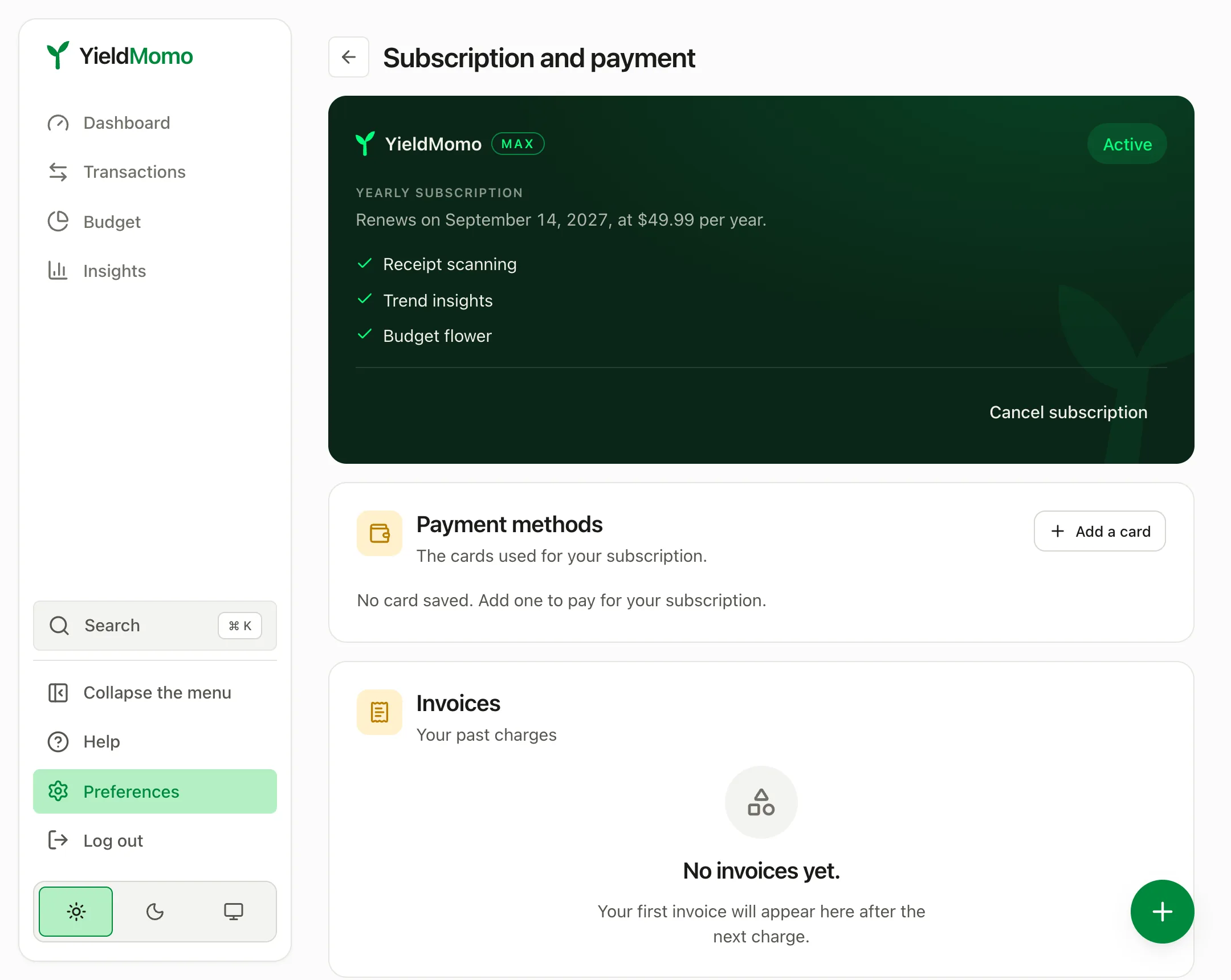
The membership card. Your plan, the renewal date and its price, then what your subscription includes.
“Cancel subscription”. You keep MAX until the end of the period you’ve already paid for.
Payment methods. Your cards, up to five. “Add a card” opens the secure form.
Invoices. Your 24 most recent charges, with their status. A paid invoice has a link to its receipt.
What you can do
Create an account
On the welcome screen, “Create an account”: your name, your email and a password of at least 8 characters. Or “Continue with Apple”, shown first, which creates the account in one step. You then go straight into setting up your budget.
See the guideConfirm your email address
When you sign up, we send you a link that’s valid for one hour. Until you open it, a banner in the app reminds you, with “Resend the link”. You have 7 days: on day 5, we send a last reminder, and on day 7, the unconfirmed account is deleted along with its data.
Change your email address
Profile › Email address › “Change email”. If your current address is confirmed, we first send it a link. Once you open it, a second link goes to the new address, and the change takes effect when you open that second link. Until then, your current address stays on the account. If it was never confirmed, the change is immediate and the new address receives a link. An account linked to Apple can’t change its address.
Change your password
Security › Password › “Change password”. Your current password, the new one (at least 8 characters) and its confirmation. Your other devices are logged out, and you receive an email titled “Your password has been changed”. If it wasn’t you, that email tells you what to do.
Get back in without your password
On the login screen, “Forgot your password?”. Enter your address: if an account exists, we send a link that’s valid for one hour and works once. We reply the same way in every case, so we never reveal which addresses have an account.
Lock the app (iPhone)
Security › App lock, then the switch. The app asks for Face ID (or Touch ID) at launch and after five minutes in the background. This setting only applies to this iPhone. If Face ID fails, iOS offers your iPhone passcode, so you’re never locked out. The lock also hides the screen in the app switcher.
Subscribe to YieldMomo MAX
Subscription and payment › “Subscribe to MAX”. Choose monthly or yearly, enter a card in our payment provider’s secure form (the number never goes through our servers), or pick a card you’ve already saved, then the “Pay” button, which shows the amount. The “Subscription active” screen confirms it: trends unlock in Insights, the flower in Budget, and receipt scanning in the add-expense window.
Cancel, then resume
For a subscription started on the website: “Cancel subscription” on the membership card. You keep MAX until the end of the period you’ve already paid for, nothing is charged after that, and your budget stays intact. Until that date, “Resume subscription” undoes the cancellation without paying again. A subscription started in the App Store is canceled through Apple.
Find your invoices
Subscription and payment › Invoices. Your 24 most recent charges, with their status (Paid, Failed, Refunded, Pending). A paid invoice has a link to its receipt.
Delete your account
Profile › Permanent actions › “Delete my account”. We ask for your password, or for a confirmation through Apple if your account doesn’t have one. Deletion is instant and permanent: your budget, transactions, photo, preferences, saved cards and any subscription started on the website go with it. A website subscription stops right away, with no refund for the current period. No one can reopen the account, not even us, and our database backups are erased after a few weeks.
Good to know
A subscription is managed where you started it. The website and the App Store are two separate checkouts. A subscription started on iPhone shows on the web, but canceling it and changing its card happen with Apple. A subscription started on the website shows on iPhone and can be canceled there too, but its cards and invoices stay on yieldmomo.com. An account has only one subscription at a time.
Deleting your account doesn’t stop an App Store subscription. We can’t touch it. Cancel it first in your iPhone’s Settings, then delete the account. The delete window reminds you.
You won’t find a single price in this help center. Prices come from our payment provider and the App Store at the moment you open the Subscription page. If we can’t get them, we’d rather show nothing than an amount that might not be what you’re charged.
No payment without a confirmed address. Until your email is confirmed, you can’t add a card or subscribe. That’s how we make sure we can reach you about your invoices.
Continue with Apple. The same button creates an account or finds yours. If you already have a confirmed account with the same address, Apple is added to it as a sign-in method. If that account isn’t confirmed yet, signing in with Apple is refused: confirm your address first, then try again. If you choose “Hide My Email” with Apple, Apple gives us a relay address, and a second account is created: it doesn’t have your budget. Apple only shares your name the first time you authorize it, but you can fill it in under Profile.
An Apple-only account has no password. The Password card doesn’t appear, and deleting the account is confirmed through Apple. To create a password anyway, use “Forgot your password?” with your address.
Your session stays open on your iPhone. Its token is stored in this device’s keychain, and it never travels to iCloud or into a backup. After a week without opening the app, or on a new iPhone, you’ll need to log in again.
Something wrong?
Look in your junk mail, then use “Resend the link” in the app’s banner. We can resend up to three per hour. A link is valid for one hour: if yours has expired, ask for a new one.
It’s more than an hour old, or it has already been used. Log in: if the “Confirm your email address” banner is gone, your address is already confirmed. If not, “Resend the link” sends you a new one.
That’s normal. Your MAX access works on both. Only managing it (canceling, changing the card) happens in your iPhone’s Settings.
A refund granted by Apple ends your access without waiting for the end of the period. Apple decides on refunds.
The Subscription card at the top of the page says so, with the date your access will end without a valid card. The “Update card” button scrolls down to your payment methods. If your card has only expired, update its expiry date. Otherwise, add a card and make it your default: it’s the one the next attempt will charge.
On iPhone, the next time you open the app, it logs you out. Your account and budget are kept: authorizing Apple again brings them back.
There’s no button for that today. Changing your password closes all your other sessions: that’s the step to take if you think you’ve lost track of a device. An Apple-only account can use “Forgot your password?”: the reset closes all your sessions, including this one.